
Editing
Edit pages in place, share drafts with your team, and publish with a git commit.
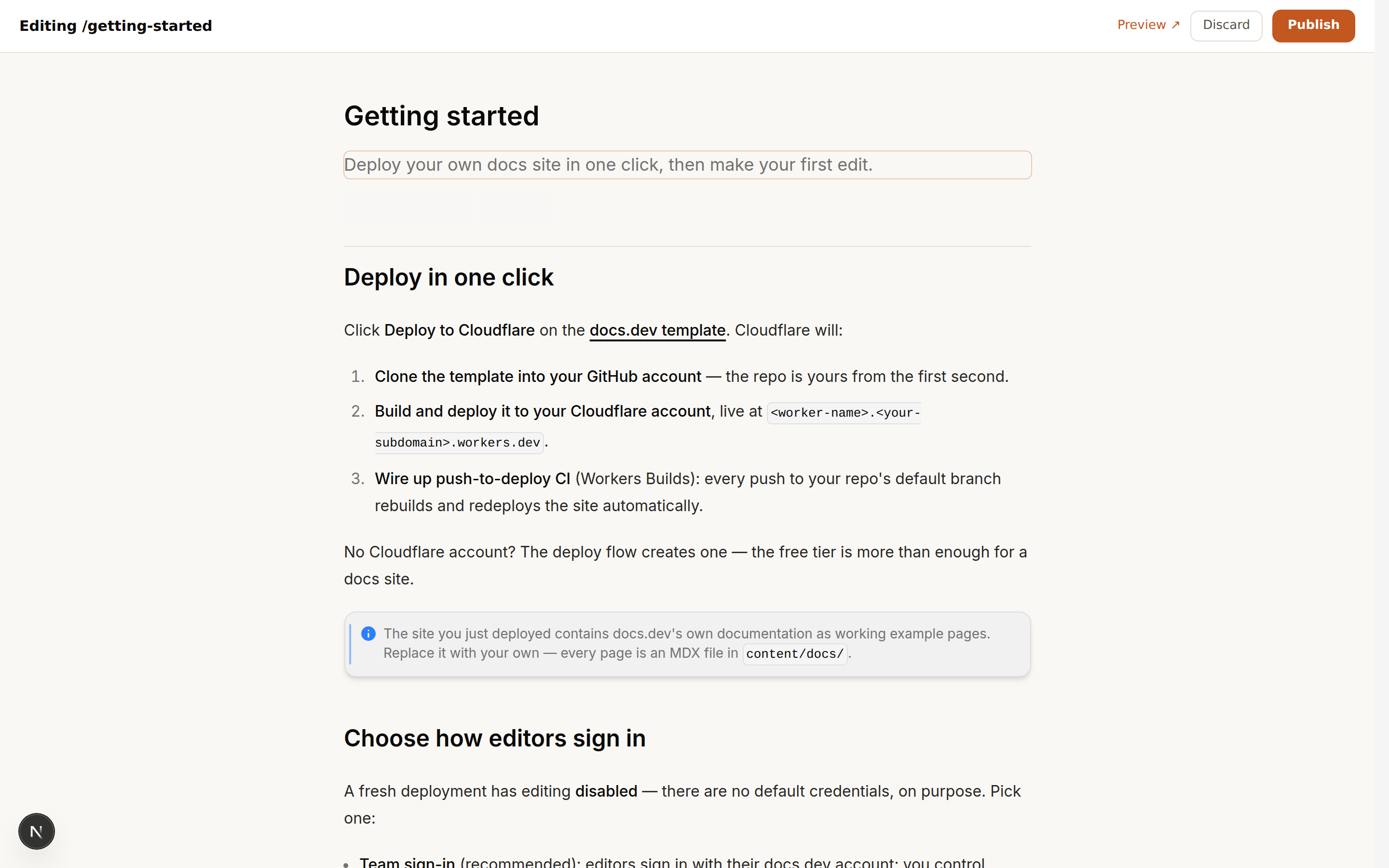
The editor is the page
There's no separate "editor view" that approximates your site. Hit
Edit page on any page (or pick one from /admin) and the page itself
becomes editable — same typography, same layout engine, same flowing prose.
What you see while editing is exactly what readers get, including text
reflowing live around figures as you drag or resize them.

Blocks can be inserted, reordered, and deleted in place: prose, code blocks (with editable tabs), callouts, cards, images, and Spread figures that prose flows around — like this one. Hover the left margin for the insert rail, drag a block to reorder it, and every change reflows the page exactly as readers will see it.
Drafts are shared
Edits autosave as drafts — instantly to your browser, and (debounced) to a shared store the rest of your team sees. A teammate opening the same page picks up your draft, with the author shown, and conflicting edits are caught rather than silently overwritten.
Shared drafts live in a dedicated docsdev-drafts branch of your own repo —
no extra infrastructure, and your drafts are as private as your repository.
Publishing is a commit
Publish commits the page (and any uploaded images) to your repo via the GitHub API, and your push-to-deploy CI takes it from there — changes are live in about a minute. Depending on how you signed in:
- GitHub sign-in: the commit is authored by you — real attribution in your git history.
- docs.dev or PIN sign-in: the commit uses the site's
GITHUB_PATserver credential.
Because published pages are just MDX in git, everything you already do with code applies to docs: branches, pull requests, reviews, reverts.
Theming from the sidebar
Admins get a Theme… entry at the bottom of the sidebar. Pick a preset
accent or dial in a custom color, and the whole site updates instantly —
links, buttons, figure accents, editor chrome, even the draft you're in the
middle of editing — so you can judge the color in context, not in a settings
page. The preview is local to you until you hit Publish, which commits
src/app/theme.css to your repo like any other edit; push-to-deploy CI
rebuilds the site with the new accent for everyone.
API reference from your OpenAPI spec
Admins also get an API specs… entry in the sidebar. Upload an OpenAPI
document (JSON) and it's committed to openapi/ in your repo; the next
build generates a full API reference from it under /docs/api-reference —
one page per operation, grouped by tag, each with an interactive
playground. Re-upload under the same name to update it, or remove it to
retire the section. Multiple specs each get their own section.
Prefer git? Drop the file into openapi/ and push — the upload button and
the commit are the same thing. Never edit the generated pages by hand; they
are rebuilt from the spec on every deploy.
See what readers ask
With Ask AI insights enabled, the Questions… sidebar entry shows what readers asked the assistant — most recent first, with an Unanswered filter surfacing the questions the docs couldn't answer. That list is effectively your writing backlog: each unanswered question is a page (or paragraph) readers already tried to find. Logging is anonymous — question, page, and time; no reader identity — and entries expire after 90 days.
Editing with Claude Code
The repo is agent-ready: CLAUDE.md teaches the conventions (where pages
live, frontmatter, nav, how to verify) and ships a /new-page skill. Typical
session:
cd your-docs-repo
claude
# > document the new webhooks API — endpoint list is in src/routes/webhooks.ts
Claude writes the pages, registers them in the nav, runs pnpm types:check,
and pushes. The push deploys. For content that needs a human eye first, ask it
to open a pull request instead.
Files always win
The editor and the repo never fight: the repo is the only source of truth. Editor publishes are commits; agent and human edits are commits. Whatever lands on the default branch is what deploys.